










Welcome to IndustryBuying Help Center!
Manage Password
Last Updated on October 8, 2025
Change Password
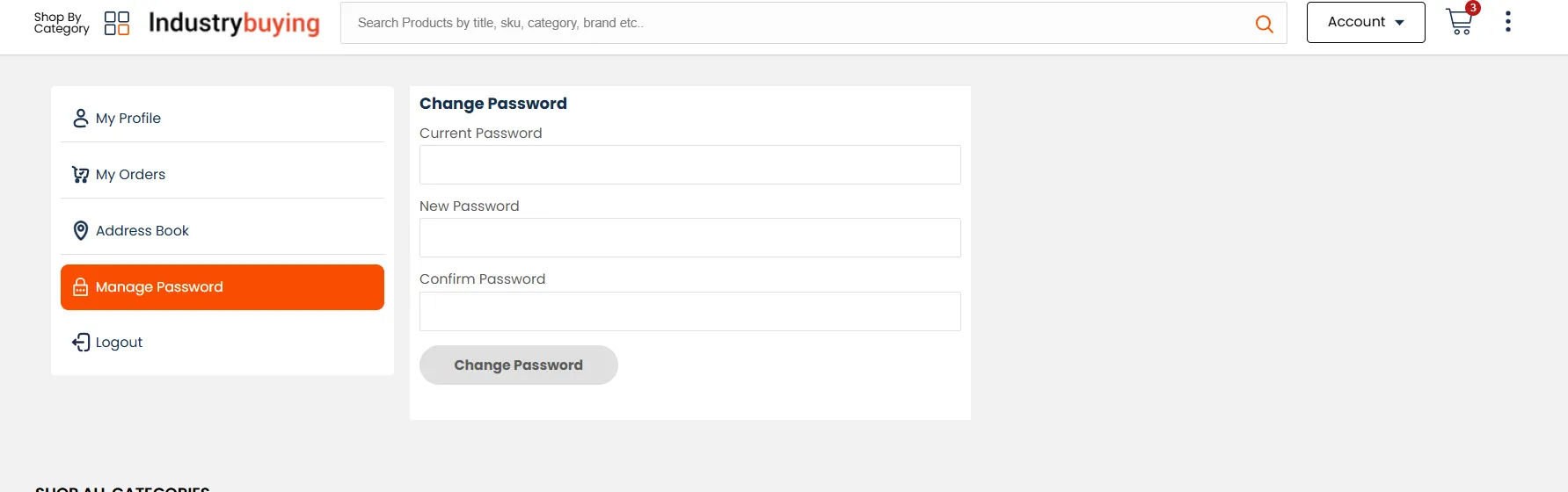
- If you want to change your account password, go to "Account" and click on "My Profile”, and then “Manage Password”. Ensure you use a strong password to protect your account.
Logout of Your Account
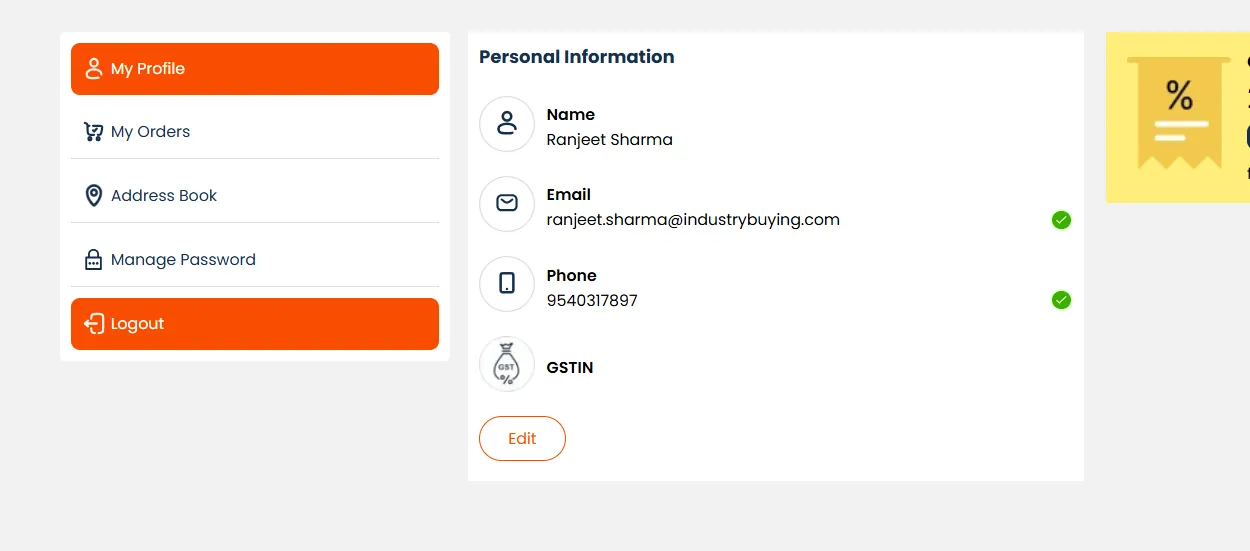
- Secure Logout: Always remember to log out of your account when you’re finished, especially if you’re using a shared or public computer. You can log out by clicking on your profile icon and selecting "Logout".
Frequently Asked Questions
Was this information helpful?